الوضع الليلي


 7:29:9
  2019-11-13
  9815
9815
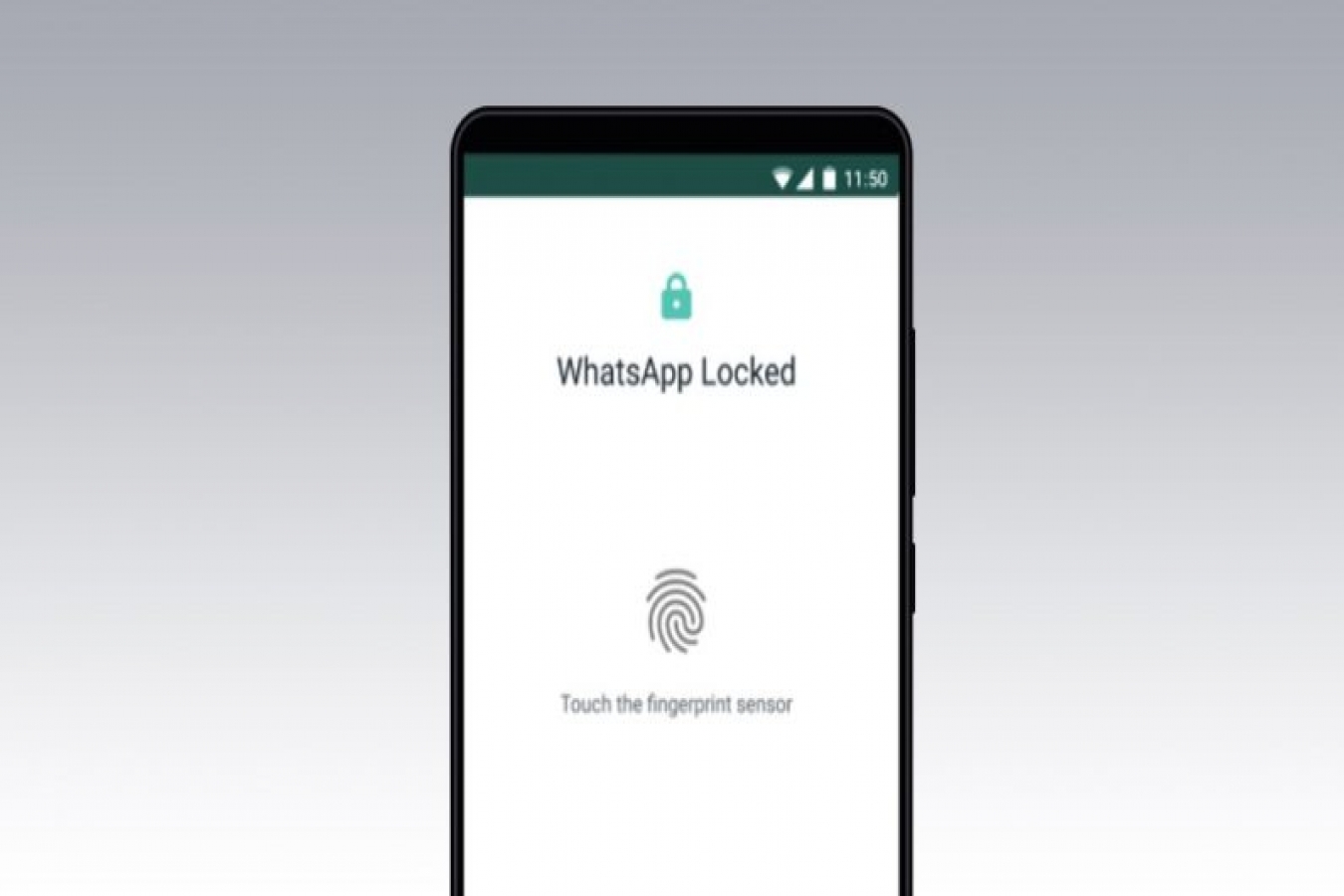
WhatsApp regularly brings new and useful features for its Android and iPhone chat apps. One of the recently added features on Android is the ability to add a fingerprint lock to WhatsApp Messenger. This means that you can't access WhatsApp chats without unlocking the app via a fingerprint saved on the phone. Of course, you need a smartphone with a fingerprint sensor for this to work and the latest version of WhatsApp. Fingerprint lock feature on WhatsApp for Android works with phones that have a capacitive fingerprint sensor, and those that have an in-display fingerprint sensor. In this article, we will describe how to add a fingerprint lock to WhatsApp on Android.
Now, this feature has been available on WhatsApp for iPhone since February this year, and it first appeared in a beta build for WhatsApp's Android users back in August.
Here's how to set up WhatsApp fingerprint lock on your Android smartphone.
How to set up fingerprint lock on WhatsApp for Android
Before proceeding, make sure you have installed WhatsApp version 2.19.221 or above by heading over to the WhatsApp page on Google Play. Once that is done, simply follow these steps to secure your WhatsApp chats on Android with fingerprint authentication.
Now whenever you open WhatsApp, depending on the automatic lock duration you've set, you will need to apply your fingerprint to unlock the app. And that's how you can set WhatsApp fingerprint lock on your Android smartphone.
Like Android, WhatsApp also allows biometric lock feature on iPhone. While the iPhone models that support Face ID can use facial recognition to secure that chat messages, the iPhone models with Touch ID can use fingerprint lock. The biometric authentication can be enabled by going to WhatsApp Settings > Account > Privacy > Screen lock.
Reality Of Islam |
|

Researchers

A new gener

Building a

Now in spac
 9:3:43
2018-11-05
9:3:43
2018-11-05
10 benefits of Marriage in Islam
7:5:22
2019-04-08
benefits of reciting surat yunus, hud &
9:45:7
2018-12-24
advantages & disadvantages of divorce
11:35:12
2018-06-10
6:0:51
2018-10-16
7:59:14
2018-06-21
9:39:36
2022-12-28
8:4:21
2022-01-08
the happy life of mankind requirement
6:36:36
2022-01-25
7:6:7
2022-03-21
allah will not answer all your prayers
6:56:28
2022-01-01
12:47:1
2022-12-20
5:41:46
2023-03-18
| LATEST |
 HOME
HOME